GPT Image 2.6 is OpenAI's newest image model, released November 4, 2026, as two models: Flare, the fast one, and Sunburst, which is slower and more precise on edits. Its new tool is markup: you circle something, draw an arrow or write a note on the picture, and the model follows the marks. It can also hand back an SVG: a drawing written as code instead of pixels. In our tests it cost the same as GPT Image 2.5 at High quality and above, and 3.3 to 4.2 times more at the lower tiers.
Tested November 8, 2026: 81 images through OpenAI's API to measure prices, then four picture runs and three SVG runs on fal. Prices are in credits as Tonpit charges them; a credit is one cent. Everything here was made with GPT Image 2.6 Flare, and every one is a cumulonimbus. We claim nothing yet about picture or drawing quality against other models.
What is GPT Image 2.6?
- Two models, one price. Flare and Sunburst take the same settings and bill the same tokens. Sunburst took 20 to 52 seconds per image in our runs; Flare took 6 to 15 at High, the default.
- Markup edits are new. Painted masks still work.
- Four quality tiers in Tonpit: Low, High (the default), Extra high and Max, at 1080p or 4K.
- It replaces 2.5 and GPT Image 2 in Tonpit. fal published the 2.6 endpoints the evening OpenAI released them, and Tonpit moved over.
- SVG output is in Tonpit: a Format choice in AI Media, and the same setting for an AI agent. Short GIF animations, which 2.6 can also make, we have not built.
How do markup edits work?
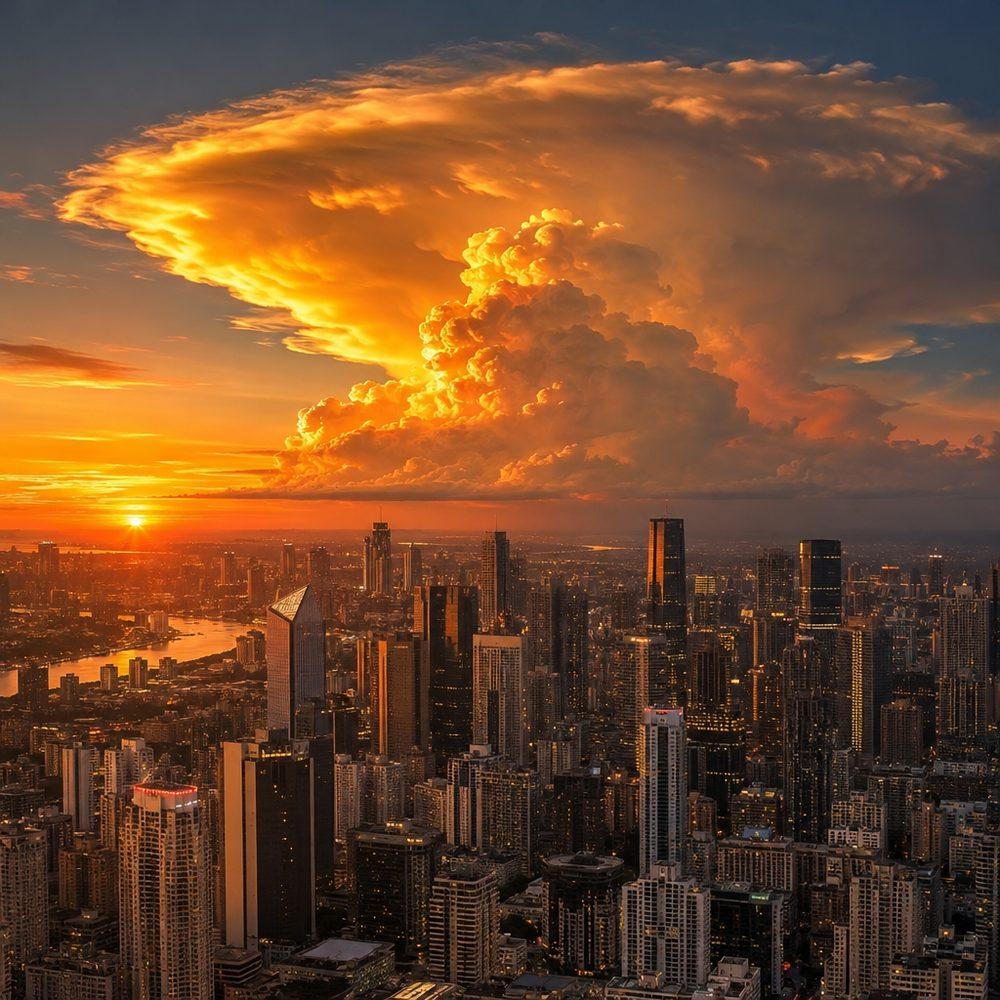
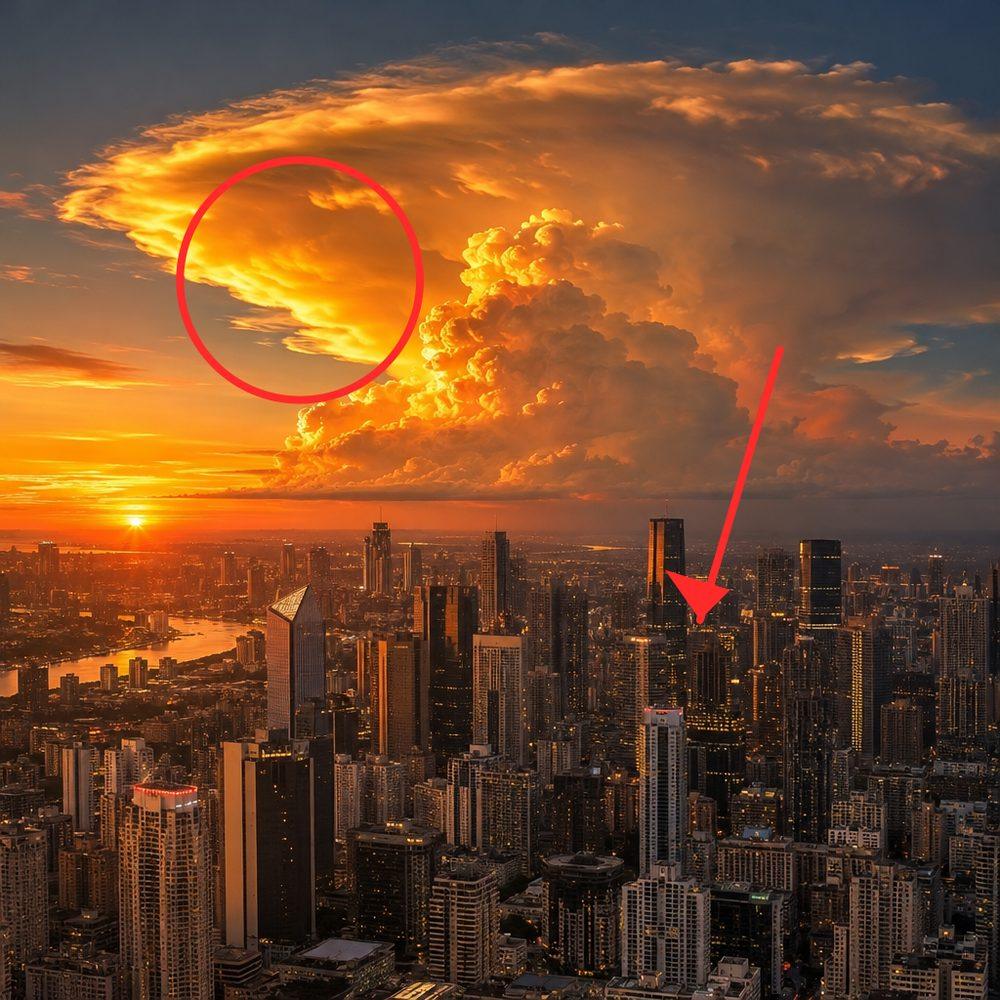
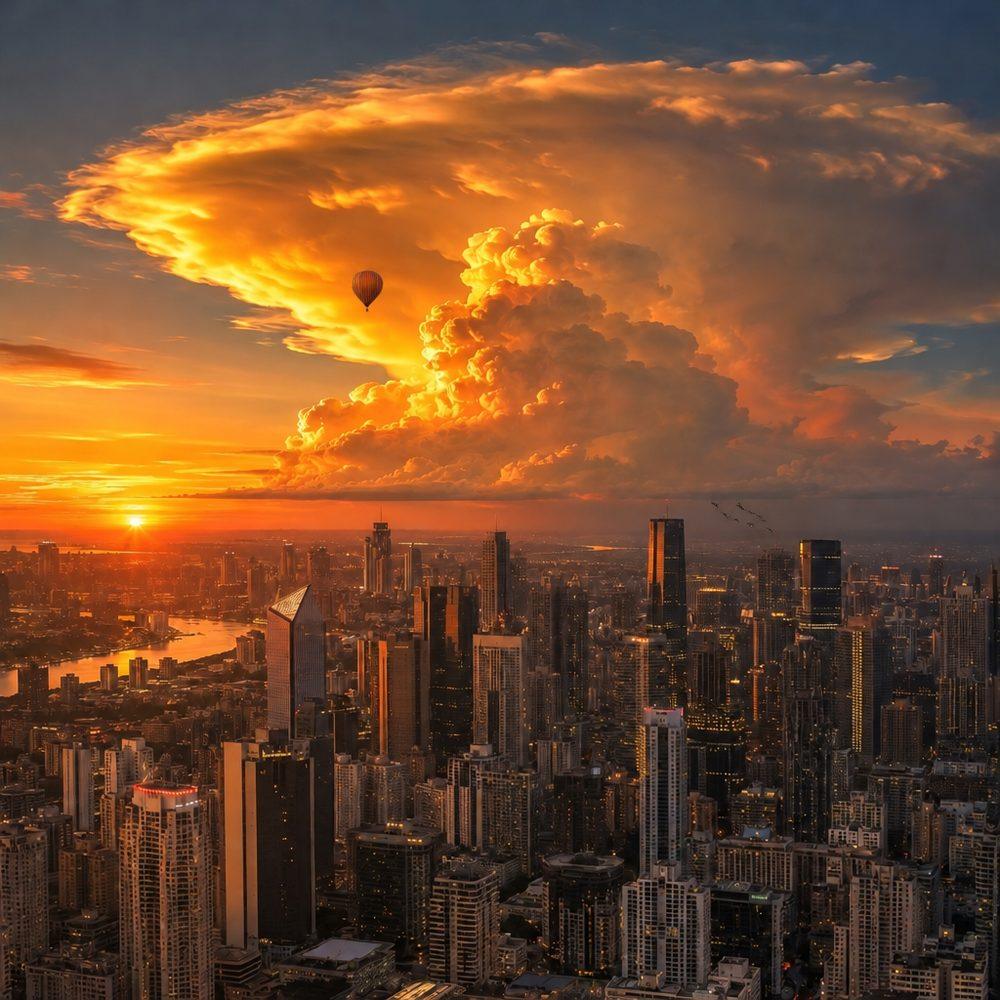
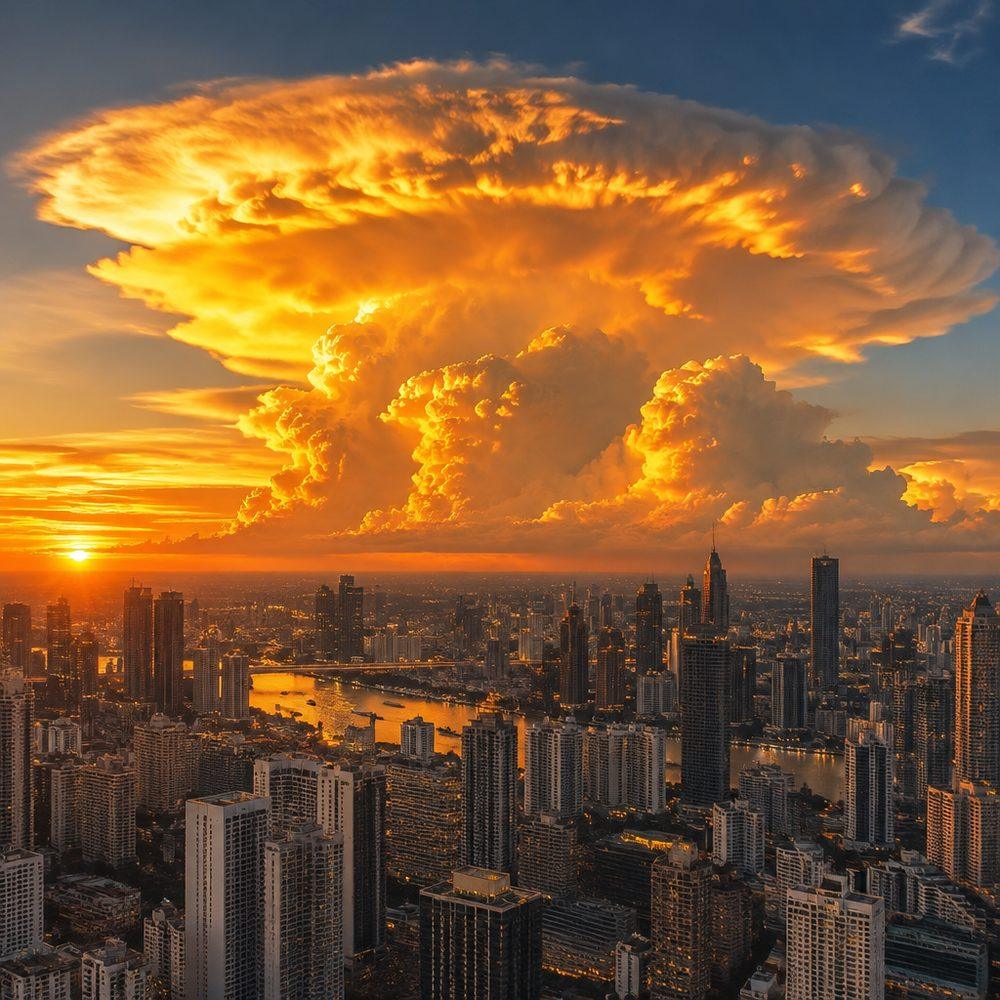
You draw on top of the picture and say what you want in words. The model reads the marks as directions. We drew a red circle and an arrow on a 1024×1024 city picture and wrote: "Inside the red circle, add one small hot-air balloon drifting in front of the cloud. Where the red arrow points, add a small flock of birds. Change nothing else." The balloon landed inside the circle. The rest of the picture held, and none of the red came through into the result. We did not judge the birds.
In Tonpit you do it in the Edit area window, on the Mark up tab: a pen, an eraser and a note tool for typed words. An AI agent working through Tonpit passes up to eight circles, arrows or boxes as coordinates, and puts the words in the prompt.
A mask is still the right tool for exact edges. A mask says "change these pixels and nothing else", which suits a cutout or a new background. A markup says "this thing, like so". You use one or the other: fal refuses an edit that sends both.
One thing we found on the way: left to pick its own size, fal returned our 1024×1024 picture as 1254×1254. Tonpit orders the source's exact size, so an edit comes back at the size it went in.
Can GPT Image 2.6 make SVG files?
Yes, from a text prompt: in our three runs it took 36 to 121 seconds and cost 4 to 12 credits in Tonpit. It paints the picture first, then a second OpenAI model looks at it and writes it out as an SVG: shapes and colours as code, which stay sharp at any size. In all three runs the model put the parts in groups named after what they draw, like layers a designer labels.

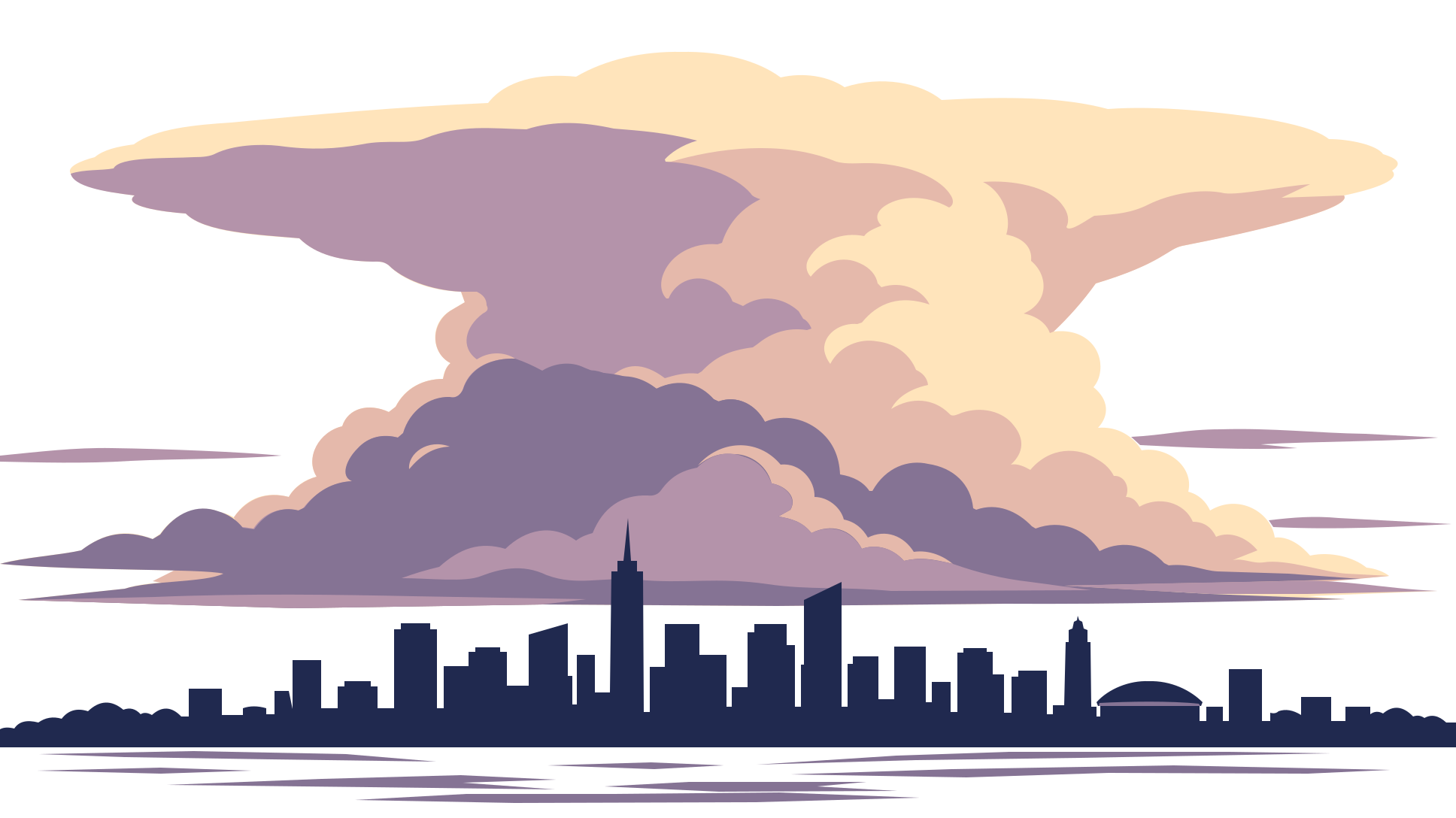

Opened as text, the first drawing begins like this:
<svg xmlns="http://www.w3.org/2000/svg" viewBox="0 0 1088 1088" width="1088" height="1088">
  <title>Cumulonimbus cloud with lightning bolt</title>
  …
  <rect id="background" width="1088" height="1088" fill="#ffffff" />
  <g id="lightning">
    <path d="M487 584L708 584L623 697H754L389 1078L523 785H359Z" fill="#ffda00" stroke="#000000" stroke-width="22" stroke-linejoin="miter" />
  </g>
  <g id="cloud">
    …
    <g id="cloud-shading" fill="#cfcfd6" clip-path="url(#cloud-clip)">
    …
</svg>Named parts can move on their own. That is why we added it: an AI agent working in Tonpit makes the drawing, reads its code, and animates it in Vibe Motion, so the cloud can settle before the bolt strikes. In AI Media you set Format to SVG; an agent asks for the same setting.
- Price: the picture plus a tenth of a cent for the drawing. In Tonpit, 12 credits square at High, 9 wide or tall at High (one more than the picture), 4 wide or tall at Low.
- Speed: 36, 121 and 64 seconds in our three runs, against about 9 for a picture alone at High. Writing the drawing takes the time; the one with the most shapes took longest.
- Good for marks, icons and flat illustrations. A photoreal scene comes back as flat bands of colour.
- Limits: one drawing per request, from text only. It does not turn an existing picture into SVG, and an SVG cannot be edited with markup or a mask.
- Transparent background means no backdrop at all: the middle drawing is just the cloud, the skyline and the water.
- Safety: an SVG file can carry code, so Tonpit rewrites every one before storing it, keeping only the drawing. In our three runs nothing needed removing.
How much does GPT Image 2.6 cost?
In Tonpit, 8 credits for a 1080p widescreen image at High, the default. Low is half that. A markup edit of that image costs 14 credits: the output plus the picture and the markup layer, each billed as an input image.
| Quality | 1080p, 16:9 | 1080p, square | 4K, 16:9 | 4K, square |
|---|---|---|---|---|
| Low | 4 | 6 | 10 | 11 |
| High | 8 | 12 | 21 | 24 |
| Extra high | 15 | 20 | 36 | 41 |
| Max | 32 | 45 | 81 | 93 |
Squares cost more than wide frames. The model bills by the tokens it writes, and a square needs more of them than a wide frame, even a larger one: a 1088×1088 image at High was 1,836 tokens, a 1936×1088 one 1,332.
Against GPT Image 2.5, High, Extra high and Max cost the same. Low costs 4.2 times what it did and Medium 3.3 times. Medium now costs 82% of High, so Tonpit does not offer it: it saves too little to be worth picking. Low is still the cheap draft.
Is GPT Image 2.6 faster than 2.5?
In our runs, yes. A 1024×1024 image at High took about 9 seconds on 2.6 Flare and 23 seconds on 2.5 Flare. OpenAI says 2.6 is 50% faster; that is their figure, and ours comes from a handful of images, not a benchmark. Sunburst is the slow one: 20 to 52 seconds. Max at 4K took Flare 33 to 36 seconds.
How did we measure the prices?
fal bills GPT Image 2.6 per output token, at $30 per million, and publishes no price per image. So we made 81 images through OpenAI's own API, which reports the tokens each image used, across every tier and size. We checked the method first on 2.5: it reproduced fal's published 2.5 prices to the cent. What we found:
- The same tier and size always used the same tokens, on every repeat.
- Sunburst used exactly what Flare used.
- OpenAI's complexity setting, which plans the picture before drawing it, changed no tokens between low and high.
The 81 images cost $7.60 in output tokens.
When one part of a GPT Image 2.6 picture is wrong, circle it and say what to change.